
The best place to grow as a creative:
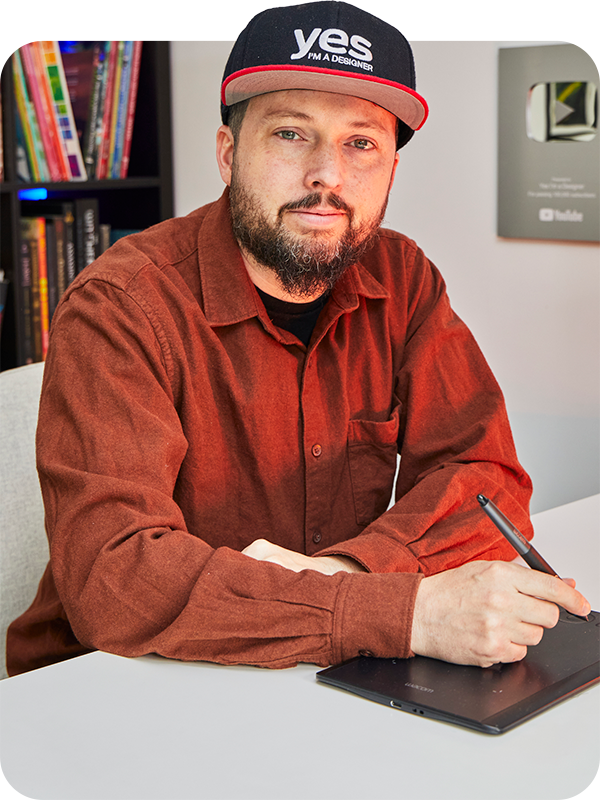
Martin Perhiniak
Founder and Lead Instructor
Award-winning Graphic Designer, Illustrator and an Adobe Certified Instructor, voted one of the Top 10 Adobe Instructors in the World.
Before founding Yes I'm a Designer, Martin worked as a designer for Pixar, BBC, Mattel and Accenture, and taught teams at Transport for London, Google, Ben & Jerry's and Oxford University Press.
Martin regularly speaks at industry events; most recently Adobe MAX, the ultimate creative conference.
Some of the brands learning from our courses






Creative Courses
with over 500 hours of video training, quizzes and real life creative exercises for all levels of users

certified training
official training provider and partner for Adobe

500,000+ students
taught online, at seminars
and in classrooms

33+ million views
and over 700 free tutorials
on our YouTube channel
We have 54,228 student reviews with an average rating of 4.56/5 on Udemy.
Read more reviews by our students on Trustpilot.

Taking part in these contests will help you to fill your creative porfolio with real design projects. Our winners are likely to be recruited by clients and brands either as freelancers or full-time designers.

Become a creative Professional in a year
with our unique, guided learning experience!

from
$67 / month
Our most popular Courses
Photoshop fast-track
Master Adobe Photoshop with our revolutionary workflow-based learning experience!

Graphic Design Bootcamp
Start Your 12 week creative journey today
to kickstart your career as a Graphic Designer!
Graphic Design Theory
Learn the language of design and make engaging, clear and effective compositions!
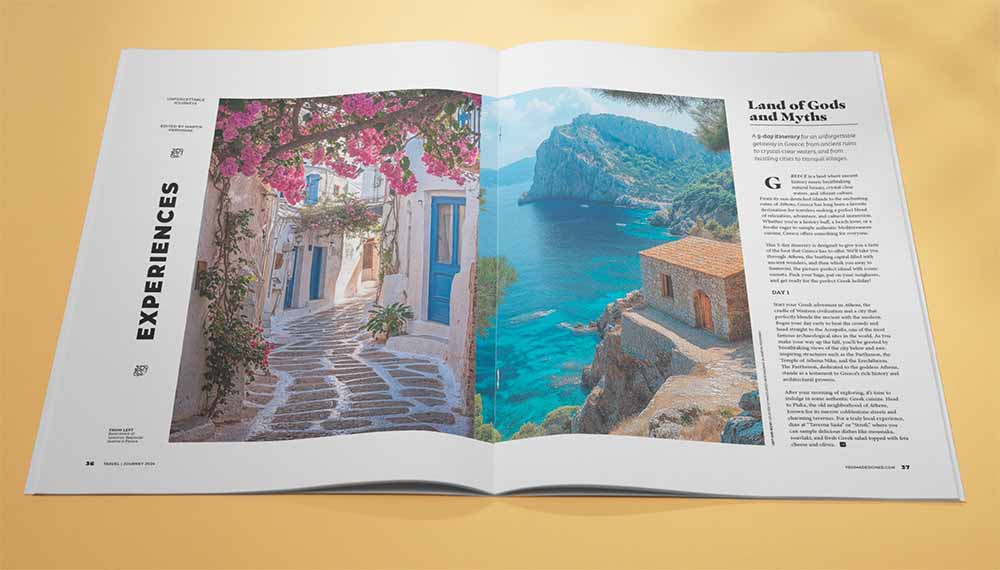
InDesign Fast-track
Learn to design magazines, catalogs and books with Adobe InDesign with a hands-on course for advanced users.


Magdalena Palahanova| Bulgaria
"One of the biggest advantages of the Design Sprint is having a seasoned instructor who shares his thoughts and experience of the industry, oversees my projects and provides constructive feedback helping me improve my skills.
I have also learned a lot from the feedback provided to the other members. I love to analyse their work and compare my conclusions to Martin’s and for me this is a very enjoyable way of learning.
This is my first creative community and it has given me the opportunity to share and receive opinions, experiences and insights."






Features | |||
|---|---|---|---|
12-weeks-long guided learning program for beginner students or hobbyist designers with fun projects and a supportive community of like-minded students. | |||
Get a downloadable digital certificate for each course you complete signed by our certified instructors. | |||
Be inspired by joining a thriving community of creative spirits. Share your work to get valuable feedback from fellow students. | |||
Test your knowledge by taking quizzes and practice everything you learn with structured exercises and useful training materials. | N/A | ||
Learn industry-standard design applications like Illustrator, Photoshop, Premiere Pro or Cinema 4D. | N/A | ||
Master Adobe Photoshop, Illustrator and InDesign with our revolutionary workflow-based learning experience! | N/A | ||
Master visual communication with the most comprehensive online training series of 12 courses | N/A | ||
Access to project-based courses such as the Character Design course or the 365 Days of Creativity series. These help more experienced students improve their portfolios and create stunning designs. | N/A | ||
Choose from various Career Paths like (Graphic Design, Illustration, UX & Web Design, Logo etc.) and get monthly feedback and guidance on your work from our instructors. | N/A | ||
Webinars: Live reviews of designs submitted by students. Get feedback personally from your mentors. | N/A | ||
Get a personal assessment of your skills and portfolio. This annual review can provide you invaluable insight and guidance on: - How to improve your hireability in the creative industry? - Which sectors, niches are best suited for you? - How to make your work look more professional? | N/A | ||
Start learning today ❯ | Start for free now | Save 35% by choosing annual plan | |
student showcase
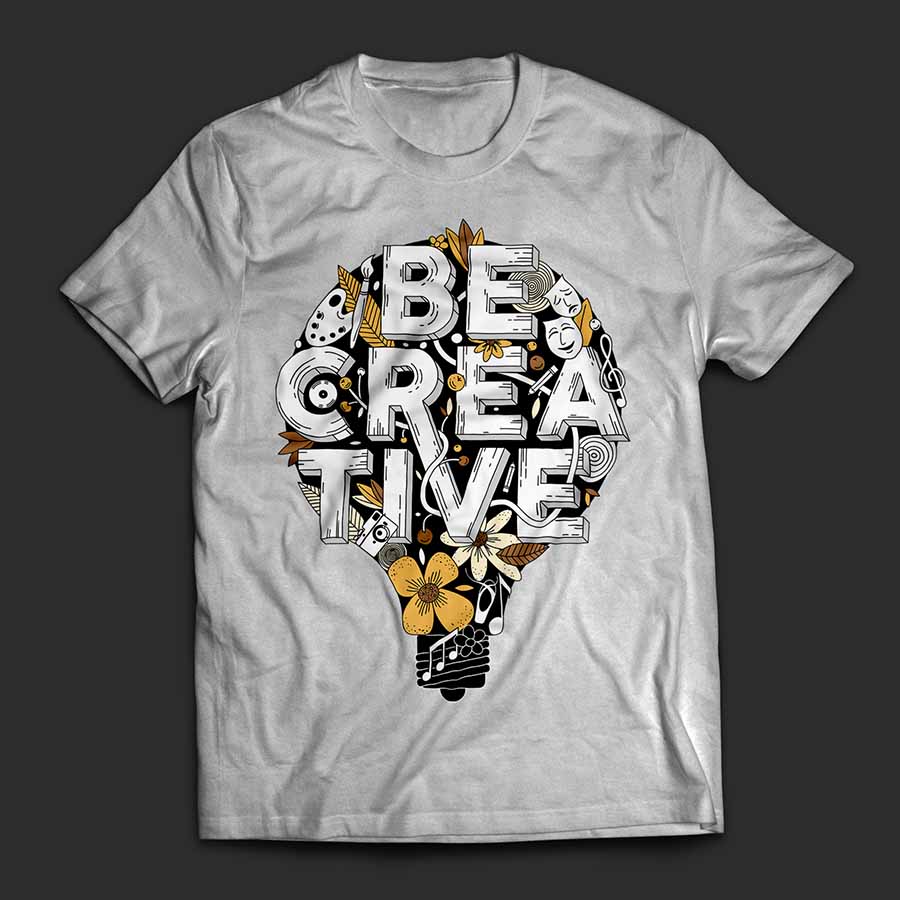
T-shirt design
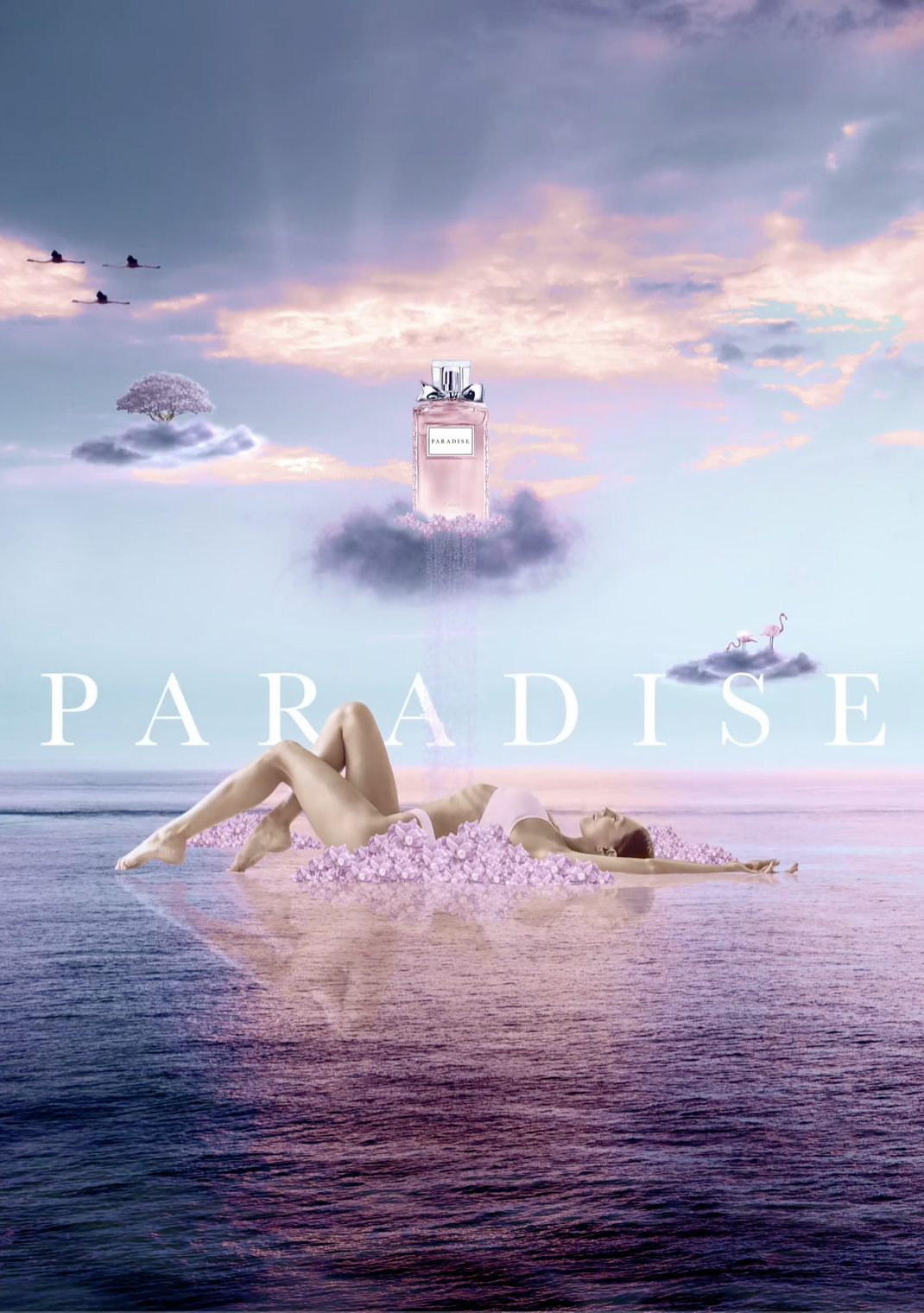
Promotional poster

Portrait illustration

Product advert poster
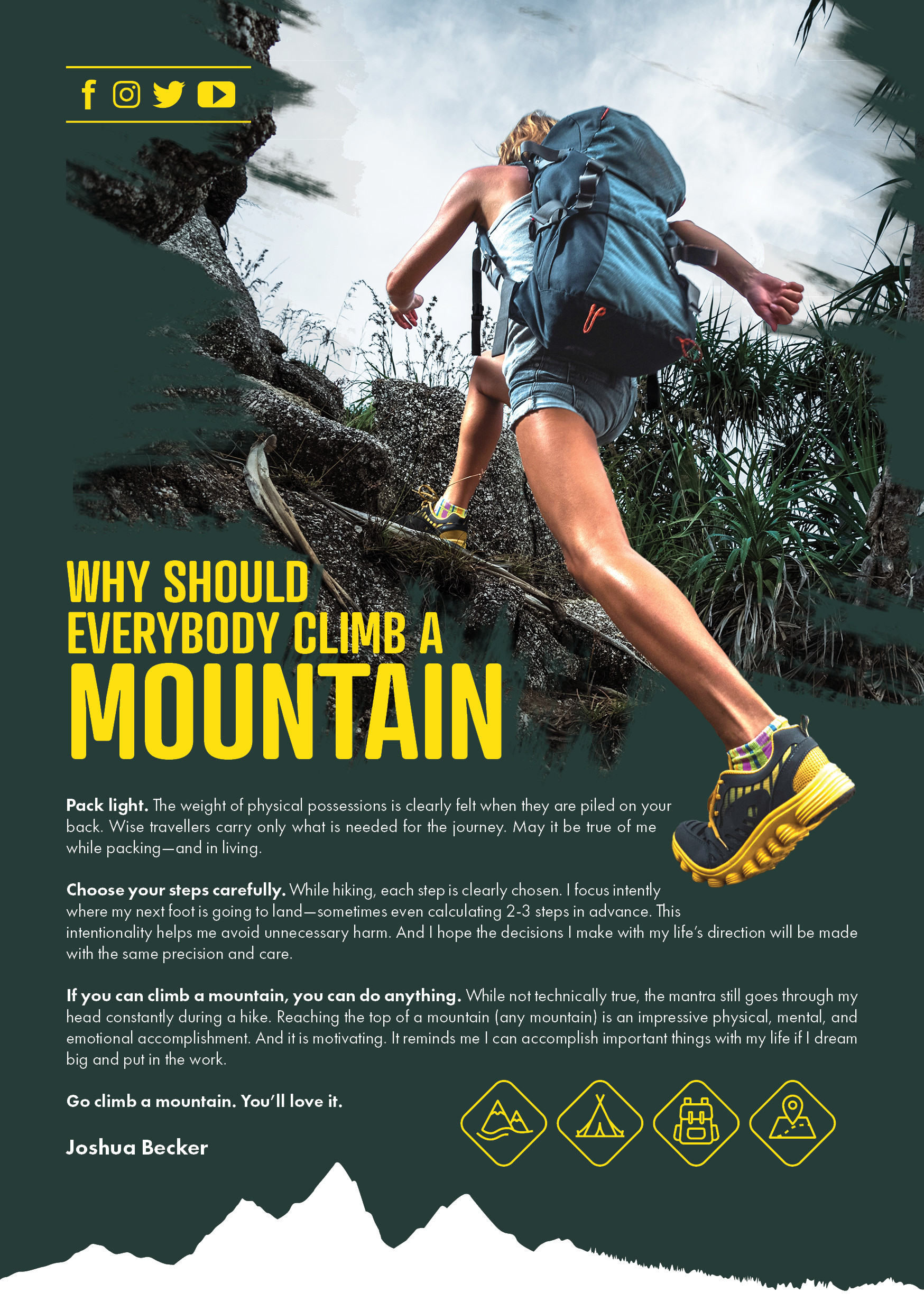
Leaflet
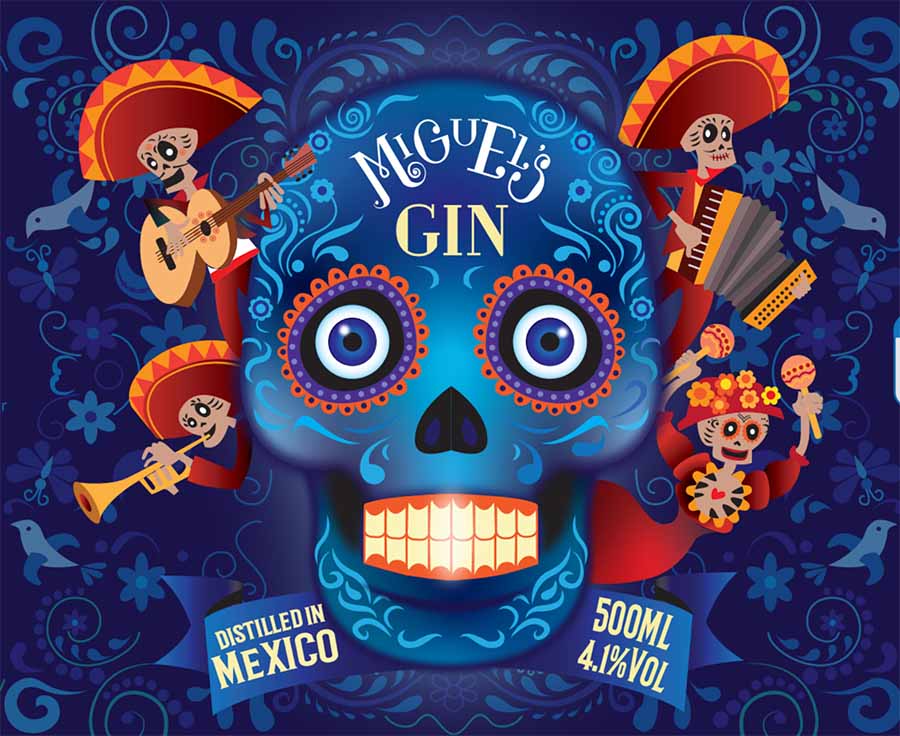
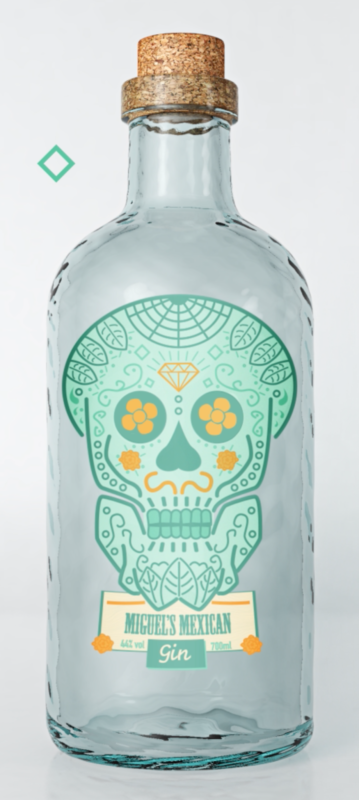
Gin bottle label
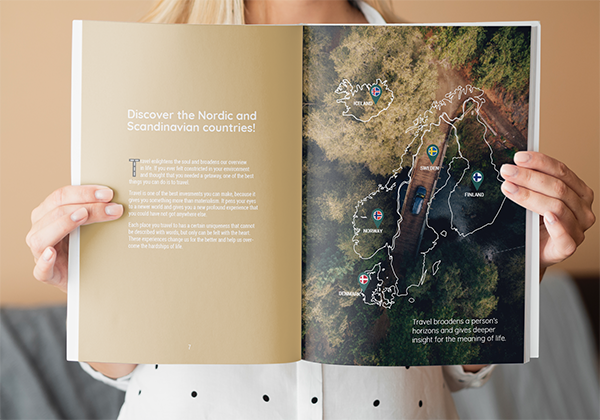
Travel magazine spread

Logo design
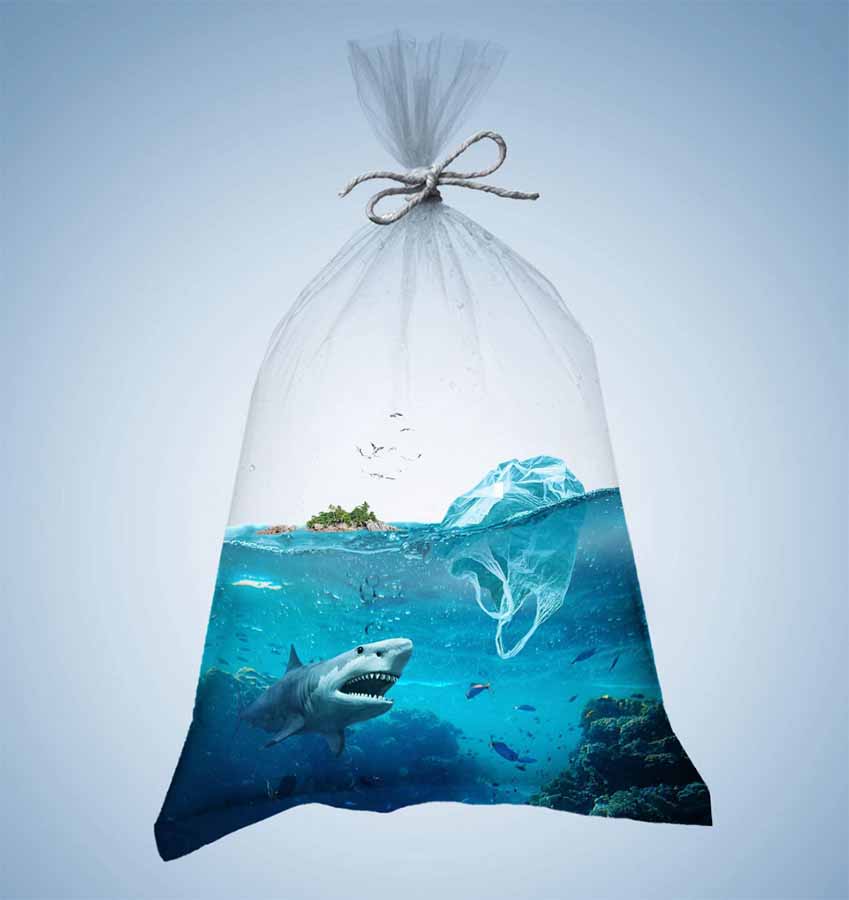
Environmental poster
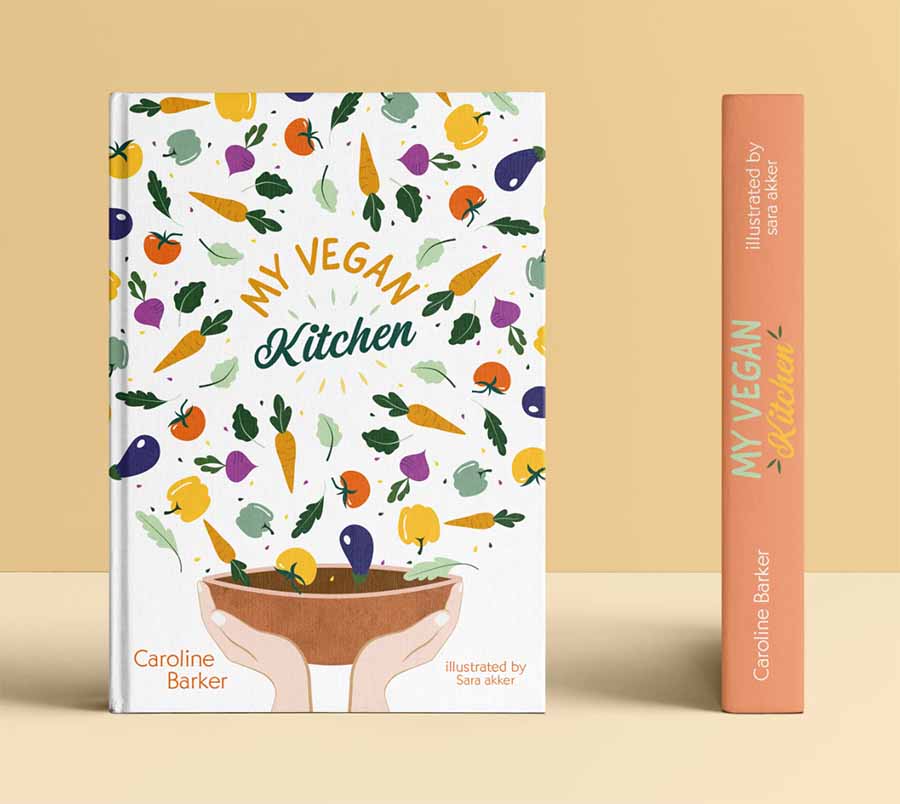
Cook book cover design

Editorial illustration
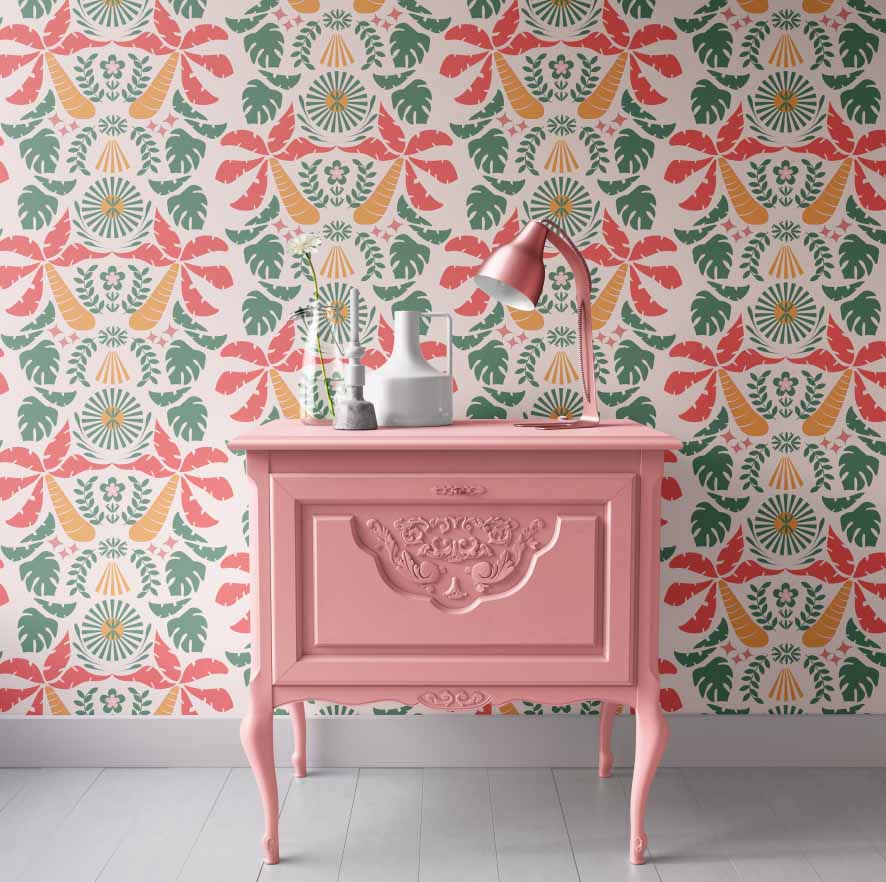
Wallpaper design
Magdalena Palahanova| Bulgaria
Being part of the Pro Membership has become a very important chapter in my creative journey for several reasons. This is my first creative community and it has given me the opportunity to share and receive opinions, experiences and insights.
One of the biggest advantages is having a seasoned instructor who shares his thoughts and experience of the industry, oversees my projects and provides constructive feedback helping me improve my skills. Last, but not least, I have also learned a lot from the feedback provided to the other members. I love to analyse their work and compare my conclusions to Martin’s and for me this is a very enjoyable way of learning.
I think the courses on the platform are some of the best available at the moment as they offer great in-depth knowledge of the Creative Cloud programs and graphic design theory, yet they are easy to understand and follow thanks to the fun examples and projects which go along with them.
Ephraim Shapiro| Israel
This is my first online learning experience with interactive elements. Over the past five years I have attended two different offline design courses, and despite the fact that I was physically more present on lessons, in terms of quantity and intensity I got much more from Yes I'm a Designer. I received more constructive feedback on my work, and produced more designs that I can use in my portfolio.


Nicole Heinrich| Germany
Becoming a Pro Member meant that I got a 360° creative safe seat in the design world and it provided me the freedom to find my specific niche from the plethora of different subject areas, such as packaging design and illustration. The Live Webinars and the Community has given me the important feedback and sense of security I need to improve my technical or theoretical skils in order to step out of my comfort zone and create good work. For me personally, this is a very important factor in online learning. Being able to have Martin as a highly ambitious and certified teacher is fantastic. As a mother of two, I am learning at my own pace to realize my dreams a little further each day, while working from home.


Graham Goater| England
Watching Yes I'm a Designer on YouTube helped me to become a graphic designer, but it was only when I joined as a Pro Member that I really saw BIG results. The practice briefs gave me motivation to put what I learnt into practice. The feedback given by Martin and fellow students also helped me improve so much quicker than what I would have done if I was on my own. I'm now picking up regular work and setting up my new graphic design business in the new year. Thanks Martin and the rest of the YES team!
Dániel Földes | Hungary
The courses on Yes I'm a Designer helped a lot to prepare for the Adobe Certified Professional exam. There were 13 theoretical questions about the icons, interface, few definitions, followed by 17 practical tasks for example: select the red area of a flower or change the copyright status of an image or edit the typo as they wished, flip a logo on a document horizontal, etc.
Overall I found it fairly easy to pass on my first attempt and I am already preparing for the Illustrator and InDesign Professional exams.
Are you a beginner and Want to
learn for free first?

Sign up to our Free Graphic Design Survival Kit mini-course and email series, with industry tips, design tutorials, resources and everything you need to know about getting started as a Designer! With this course, you will gain access to our Community too!
By signing up you agree to receive educational content, extra course support, updates and offers by email from Yes I'm a Designer (this is necessary to receive the Designer Survival Kit email lessons). You can unsubscribe from these separately and it will not affect your access to the video lessons. For more info please read our Privacy policy.
More experienced?
“
The Yes I'm a Designer program is a MUST for designers looking to up-level their skills. The courses are broken down into bite-sized videos that are super easy to follow and Martin shares all kinds of cool tips along the way. I would definitely recommend these courses to anyone who's either looking to become a designer or a designer who's looking to up their game in a competitive industry.
Sarah
“
Hello (Ciao !) I have taken many online courses from Udemy to Domestika from Lynda to Plurasight but I find your courses to be the first. Everything is explained in a simple way. Martin is great ! and his voice guides the student in an excellent way; the voice of the teacher in online course is very important as well as the examples provided during the lesson. Everything is really well done!
Pierfrancesco Valgimigli
“
Martin Perhiniak is really the best teacher at all. He described each and every tool of the Adobe Photoshop in detail. His way of of teaching is very expressive. cool and humble. I subscribed his Bootcamp and learned a lot. Now I have taken subscription of his Plus Membership. I will go with his Pro Membership In Sha Allah. Best of luck Martin Sir for more and more success.